
← Changelog
v1.8
Make the sidebar your own
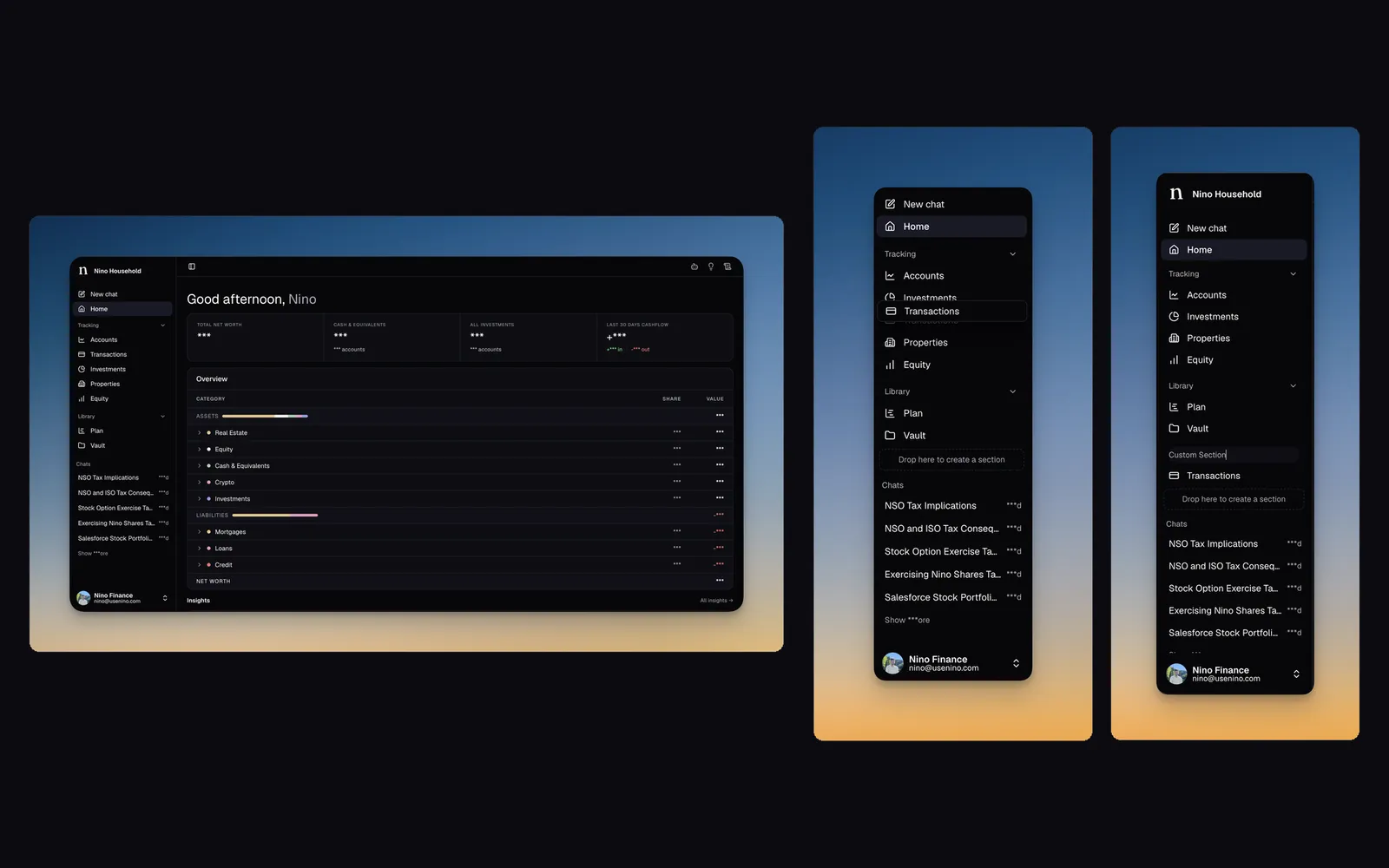
Reorder sidebar items and create, rename or delete sections. Restore the default layout from Settings → Preferences.
SidebarNavigationCustomization
Now you can
- Reorder any item in the sidebar with drag and drop
- Create, rename, and delete your own sections to group what matters to you
- Reset to the default sidebar anytime from Settings → Preferences
New
- Drag sidebar items into any order that suits how you work
- Create custom sections and give them names that fit how you think
- Rename or delete sections whenever your setup changes
- Reset your sidebar to the default layout from Settings → Preferences
Updates
- The default sidebar now has a cleaner, more focused layout
- Groundwork for custom views coming soon. You'll be able to add them to the sidebar and arrange them however you prefer