v1.52
October 9, 2026
Redesigned tracks, state tax returns, review file changes in Inbox
TracksTaxesInboxInsightsTransactions
Start a track by telling Nino what you're working toward, and it checks whether the goal works before building your plan. Nino now reads the state returns filed with your federal return, Inbox lets you review and accept changes from updated files, and you can save your own default view on Transactions.
Now you can
- A redesigned way to start a track that asks fewer questions and tells you plainly whether a goal works
- State tax returns are read alongside your federal return, and they fill in your tax profile
- Review changes from an updated file in Inbox and accept them in one click
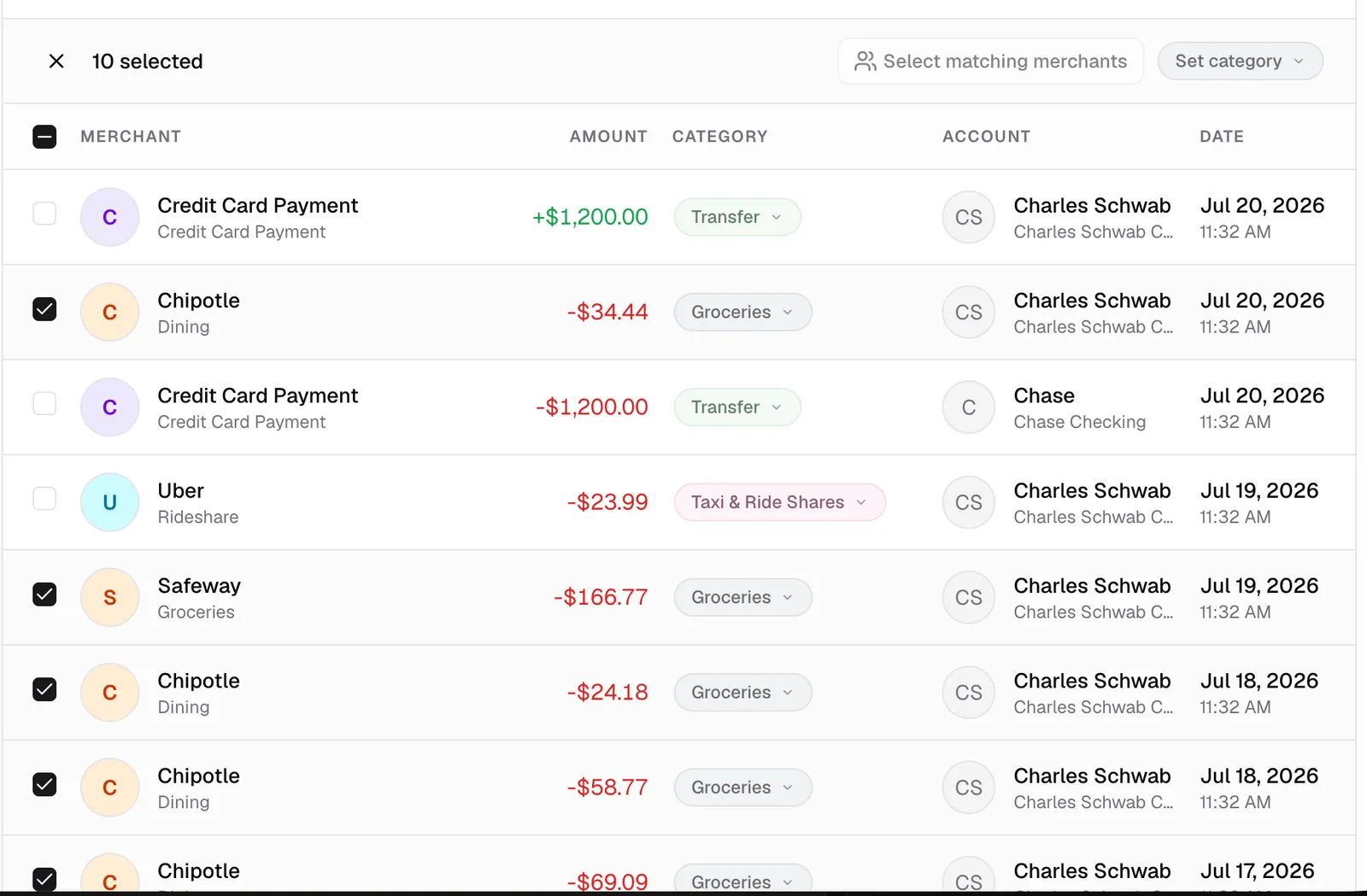
- Save your favorite filters as your own default view on Transactions
- Ask Nino on an Insight now sends the question and starts the answer right away
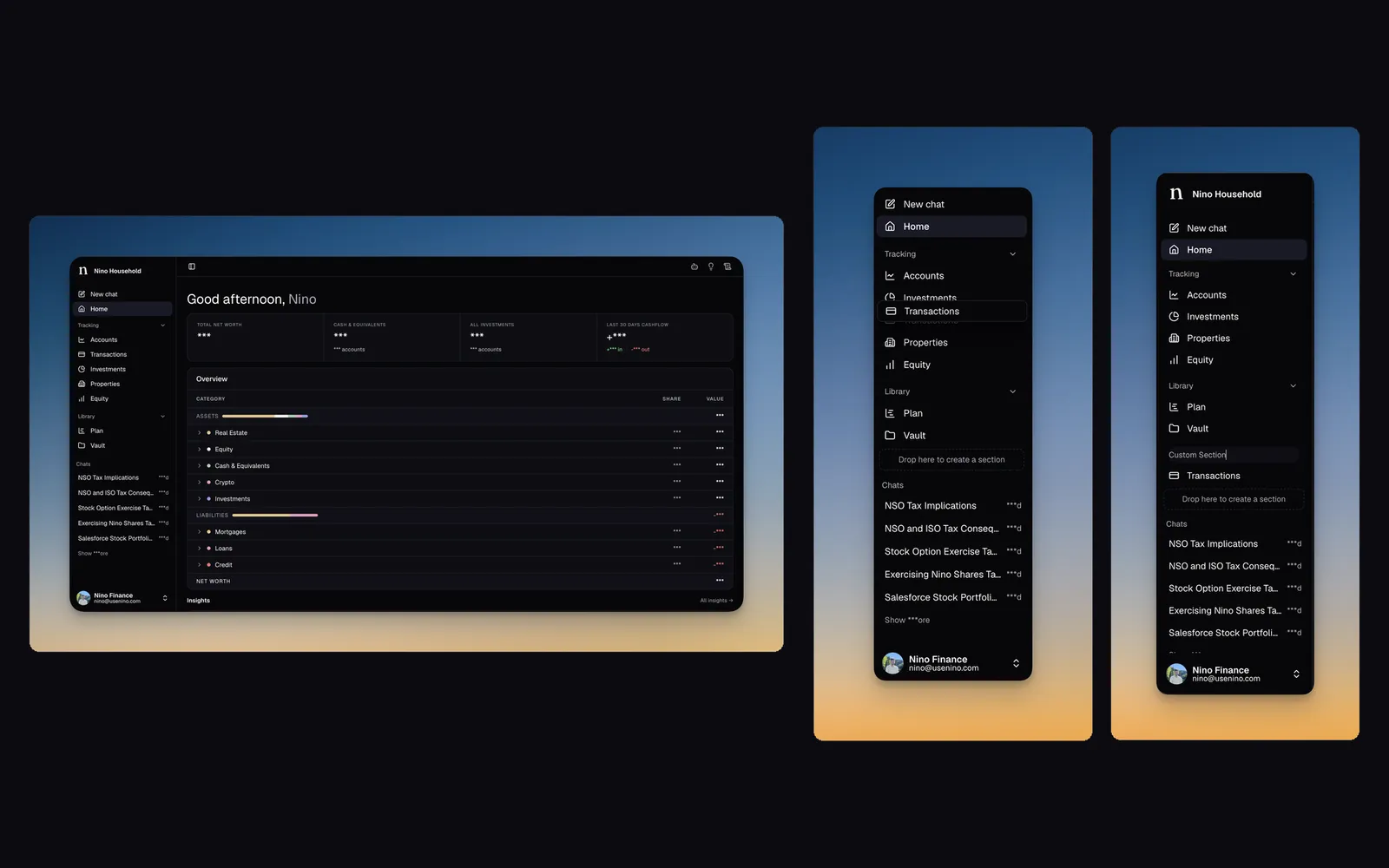
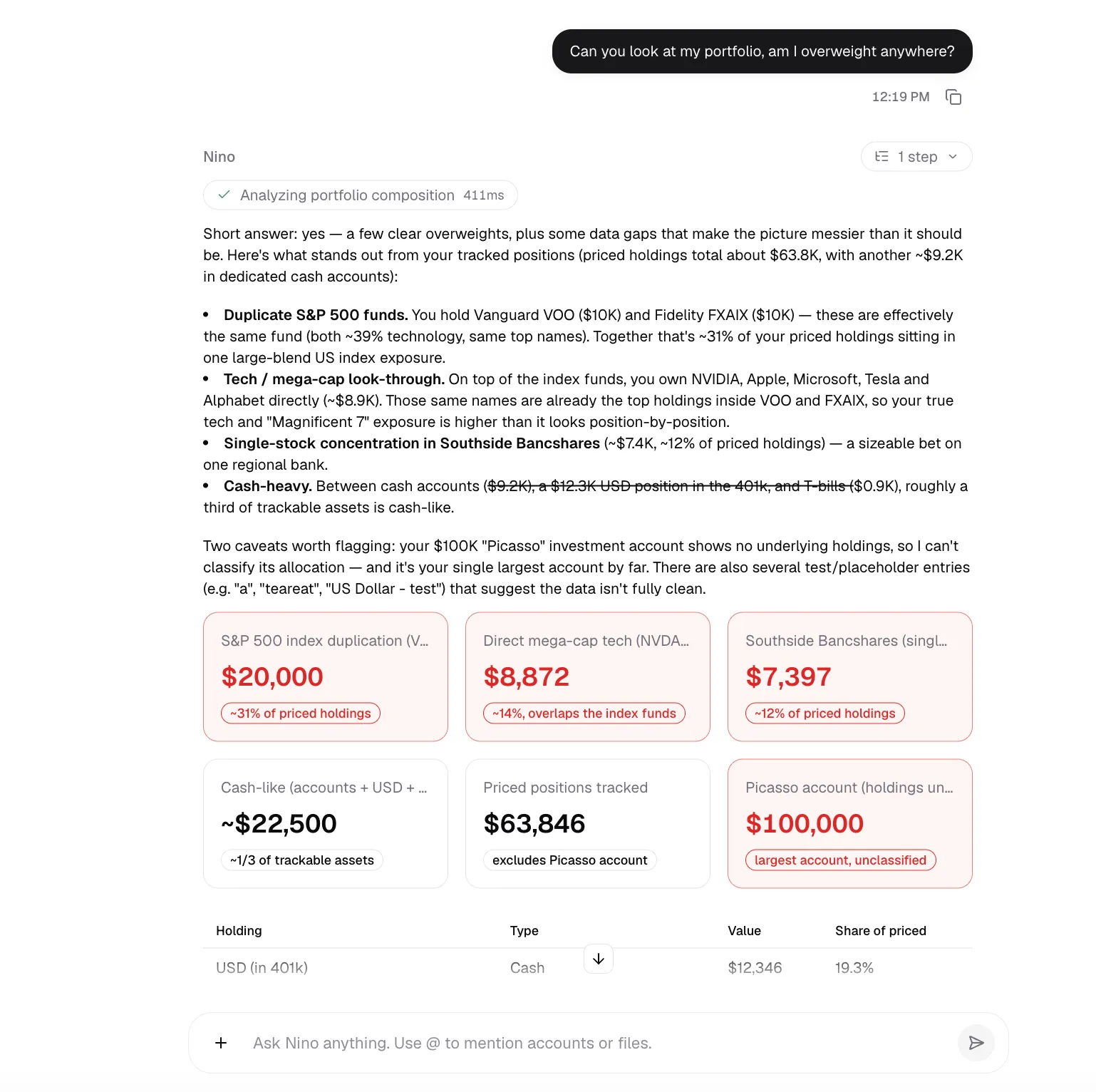
- Tracks have a new home. Tap the + in the sidebar, tell Nino what you're working toward, or pick a starting question, and one conversation shapes the goal with you. Rough timeframes or "not sure" are fine answers.
- Nino writes the goal out for you to accept, then checks whether it works with your numbers. A progress card shows the goal, a short verdict with the reasoning folded underneath, any open questions, and the plan document as it takes shape.
- If a goal doesn't work as stated, Nino says so and lays out two or three options, like a later date, a smaller amount, or saving more, with what each would change. You choose which one to explore.
- Once the goal is accepted and works, Build action plan turns it into tasks and opens the track, with the plan from your conversation on its Overview tab. Tracks still being shaped show in the sidebar so you can pick up where you left off.
- When you upload your federal return, Nino now also reads each state return in the same PDF. Your filing status, state, and wages fill in your tax profile automatically, without overwriting anything you entered or confirmed yourself, and you can ask Nino about your state return in chat.
- When a new upload would change information Nino already has, like a re-uploaded tax return, Inbox opens a review that shows the current and incoming values side by side. Ask questions about it, then accept the changes or keep what you have.
- Save the filters you like as your own default view from the Filters menu on Transactions, and the page opens that way every time. A one-time tip points out saved views and the Location filter.
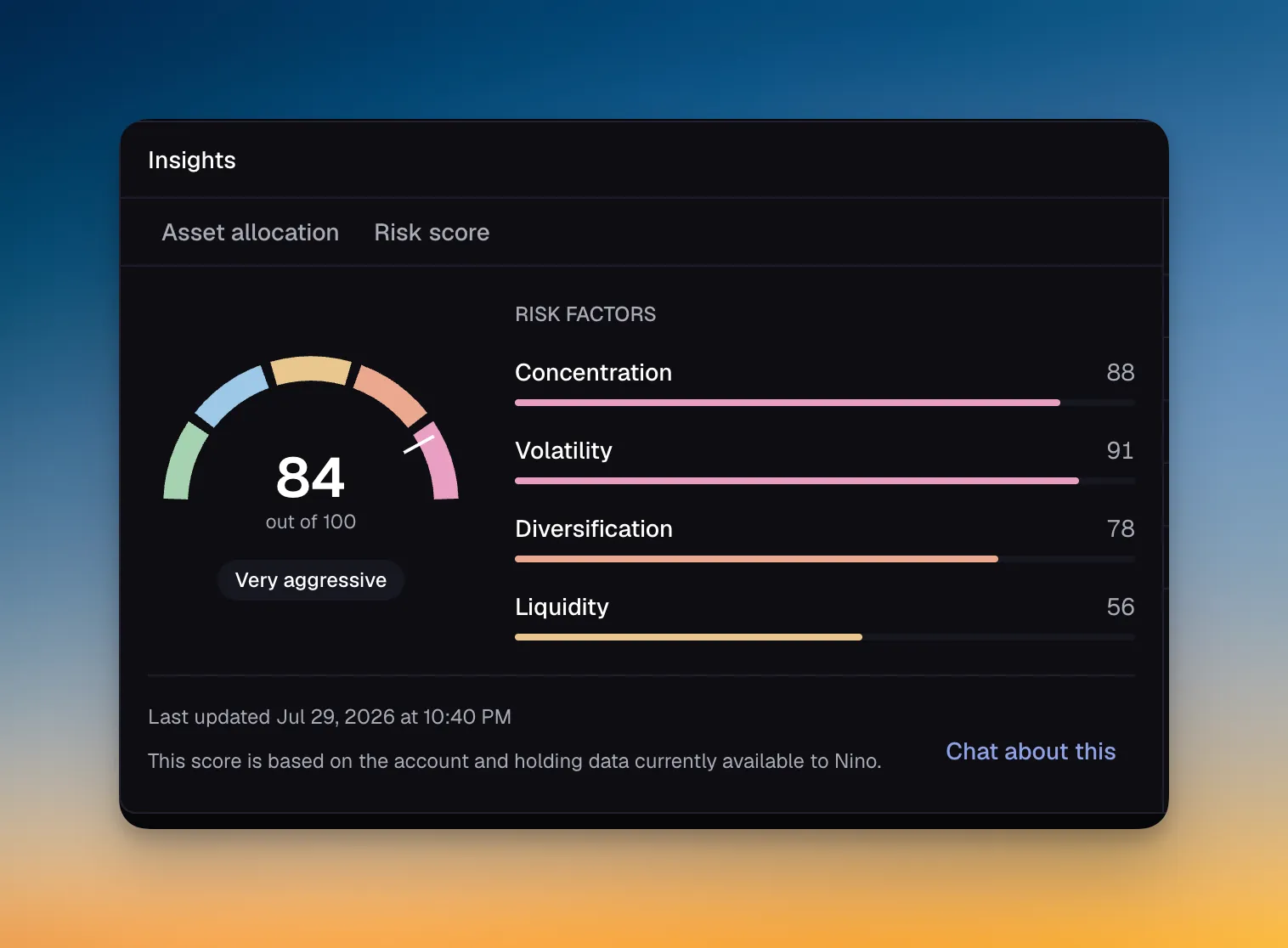
- A new backdoor Roth Insight for households over the Roth IRA income limit shows how to still fund a Roth IRA, and suggests moving an existing IRA into your 401(k) first when that matters.
- Delete a published report, like your preliminary financial analysis, from Prepared for you in the Vault.
- Tax filing sign-up now lets you skip last year's return and start your tax filing track anyway. The return stays on the track as the first open item, and the processing screen gives you a clear wait time.
- Tax return uploads during onboarding now go through the same reader as the Vault, so a file that isn't a federal return is flagged instead of being read as one.
- Ask Nino on an Insight now opens a new conversation with the question already sent and Nino answering.
- Mark an Insight done or not relevant right from its Inbox conversation, from the header or by right-clicking. Replying to an Insight keeps everything in one Inbox row instead of two.
- React to Insights with any emoji from a searchable picker, next to the quick 👎, 👍, and 🤯. Chat feedback now uses the same emoji style, and an answer's sources sit beside its actions as small icons you can open.
- Inbox has simpler All and Unread pills with an inline unread count, and Drafts shows only when you have one.
- New tracks no longer start with a "Confirm track" task that blocked everything else, and tracks no longer carry a Beta badge.
- A CSV file over the 10,000-row limit is turned away right at upload, and finished imports point you to add the account's balance and see the imported transactions.
- Money, dates, and counts across the app now use the same font as the rest of the text.
- On the CoinTracker page, Start your taxes goes straight into tax filing sign-up, and booking a call from File your taxes now invites you to upload last year's return to get a head start.
- Undoing an earlier CSV import no longer deletes transactions that a later, overlapping import still relies on.
- In the Location filter, cities now appear before metro areas.